

“I didn’t mean to submit!” is a sentence every teacher who tests online has heard — usually from a pale student, two minutes into the test, who clicked the wrong button, pressed Enter at the wrong moment, or thought the big final button was the next question button. Accidental submissions are the most human problem in digital testing, and accidental submissions in pear assessment are blessedly manageable: the platform has a confirmation safeguard designed for exactly this moment, your teacher tools include a way to send a student back into their test, and a few setup habits cut the accident rate dramatically before it starts.
This guide covers the prompt that prevents most accidents, what to do in the minutes after one happens, and the classroom routines that make “I submitted by mistake” a rare event instead of a weekly ritual.
Why accidental submissions happen
Understanding the failure modes helps you prevent them, because they aren’t random. The classic accident is a misread button: to a nervous student, every prominent button near the end of a test looks like “continue,” and the actual submit action is one distracted click away. A cousin of that mistake is the trackpad/tap slip — a student scrolling or adjusting their screen who lands a click on the submit control. Then there’s the premature finish: a student who believes they’re done because they reached the last question they could see, not noticing skipped items earlier in the test. And the youngest students add a fourth category: exploratory clicking, pressing things to find out what they do, with genuinely no malice and entirely predictable results.
Notice what these share: they’re interface accidents, not integrity problems. Treating them punitively teaches students to fear the testing tool; treating them as solvable design-and-routine problems teaches them to test calmly. The goal is a system forgiving enough that an honest slip costs thirty seconds, not a grade.

the submit confirmation prompt in pear assessment
The platform’s front-line defense is the submit confirmation: a prompt that interrupts the submission flow and makes the student confirm, explicitly, that they intend to finish and turn in the test. That one interstitial moment defeats most accidents, because a misclick almost never survives a deliberate second decision — the student’s brain re-engages at “Are you sure?” in a way it didn’t during the first click.
Make sure this safeguard is part of your test setup for any assessment that counts. When you’re configuring the assignment, treat submit confirmation the way you treat the answer key: a thing you verify exists before students begin, not a thing you assume. If your students are reporting hair-trigger submissions — tests ending with a single unguarded click — revisit your assignment settings first; the protection you need is very likely a setting away, and it’s the difference between accidents being rare exceptions and a structural feature of your testing days.
There’s a teaching component too: show students the confirmation prompt before their first real test. A class that has seen the prompt once — that knows a genuine finish line asks “are you sure?” — becomes less likely to panic-submit and more likely to recognize the real prompt when it matters. Students who’ve never seen it sometimes do the worst possible thing: see an unfamiliar dialog mid-test and click whatever makes it go away.
Teacher recovery: sending a student back in
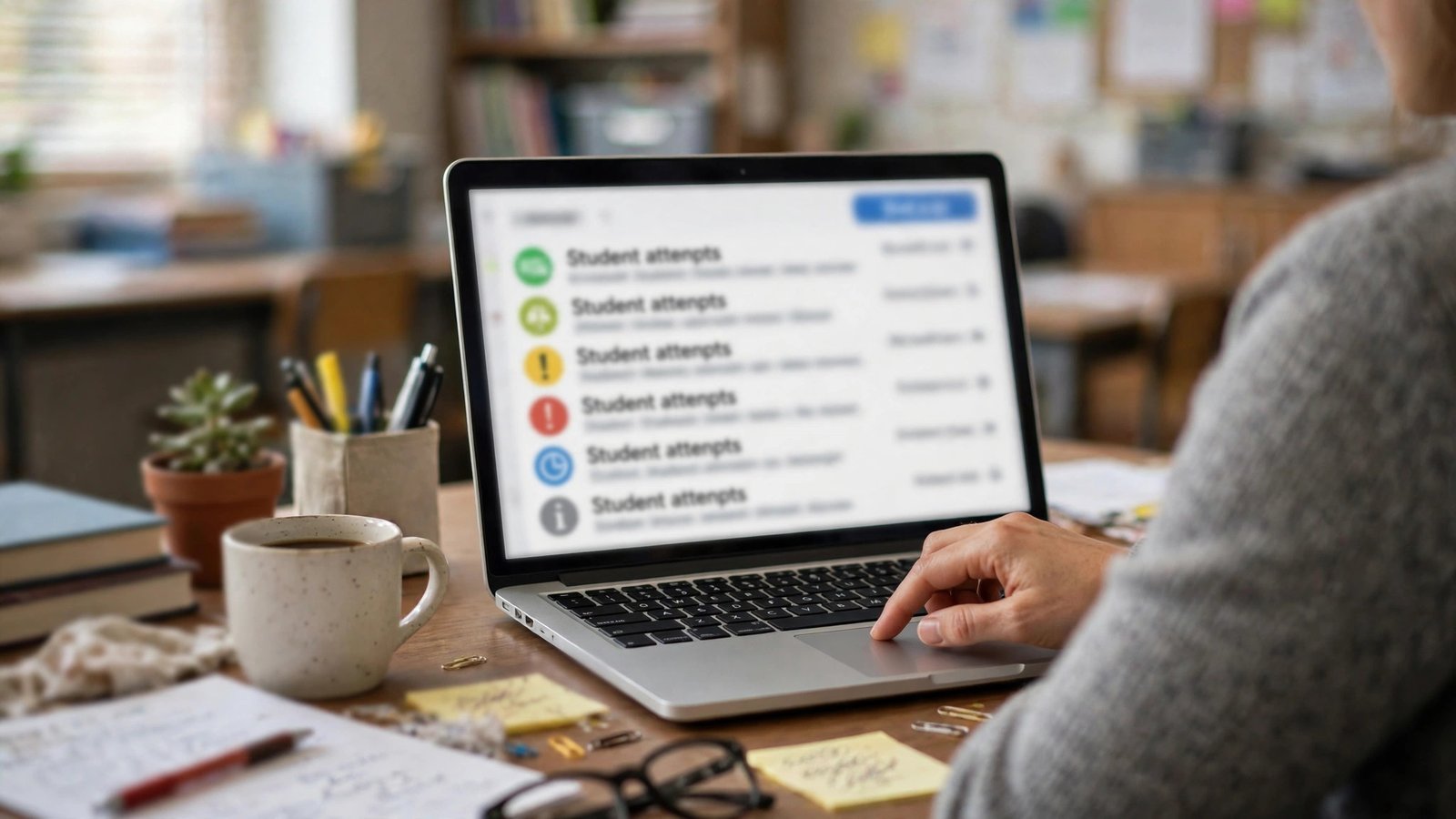
Accidents will still happen. Your recovery path is the teacher’s ability to return a submitted student to their test — reopening or redirecting the attempt so the premature submission isn’t the final word. From the class board and grading views where you monitor in-progress work, you can act on an individual student’s attempt: the same toolset that lets you watch progress lets you send a student back to resume. Our guides to the Live Class Board in Pear Assessment and the how to unsubmit on Pear Assessment walkthrough cover those teacher-side controls in detail.
In the moment, run a calm three-step script:
- Reassure the student first, investigate second. “That’s fixable, stay where you are” drops the panic that turns one accident into a disrupted row of students.
- Verify it was an accident, lightly. A glance at the attempt — two minutes elapsed, first questions answered, rest blank — confirms the story in seconds. You’re not building a court case; you’re pattern-matching honesty, which is almost always obvious.
- Reopen and reset expectations. Send the student back in, remind them of the confirmation prompt (“when you really finish, it will ask you to be sure”), and let them continue with their full time as your judgment and school policy allow.
Log the incident mentally for pattern-spotting. One accident is a slip; the same student three tests running is a conversation; five students on the same test is a setup problem — usually an unclear instruction, a misleading final screen, or an assignment configuration worth revisiting.

Prevention habits that actually move the number
Beyond the confirmation prompt, four routines cut accidents substantially:
- Rehearse the finish line. On a practice quiz, make every student walk right up to submission: answer, review, meet the confirmation prompt, and (on the practice) submit for real. The real test then contains no novel screens, and novel screens are where accidents breed.
- Teach the review pass. Show students how to check for unanswered questions before finishing, and give the final five minutes of test time a name — “review time” — during which finishing early isn’t the goal. Students rushing to be first-done are your highest-risk submitters.
- Separate practice layout from test layout anxiety. Students who regularly take low-stakes work in the same player learn its geography: where Next lives, where Submit lives, what dialogs to expect. Familiarity is prevention, which is another argument for short weekly quizzes in the same tool — a point the workflow in our Pear Assessment question types guide supports by keeping formats consistent.
- Brief the youngest testers explicitly. Elementary students need the rule said out loud, kindly and specifically: “The test asks ‘Are you sure?’ when you finish. If you see that and you’re NOT finished, press the other button and keep working.” Thirty seconds; saves a morning.
Setting up the assignment to discourage accidents
Your assignment configuration carries part of the prevention load, and two choices matter most. The first is question flow: a test students can navigate freely — checking the question list, jumping back to unanswered items — produces fewer panic finishes than a rigid one-way march, because students can see they’re unfinished. A student who can glance at a list showing three unanswered questions does not believe they’re done. Where your test’s security model permits navigation, letting students review before submitting converts the confirmation prompt from the only safety net into the second one.
The second is time architecture. Extremely tight time limits manufacture rushed endings, and rushed endings are the natural habitat of the accidental submit: a student watching the clock, hurrying through the last screen, clicks whatever moves them forward. Reasonable time limits — plus the explicit norm that the final minutes are review minutes — lower both anxiety and accidents at once. Similarly, for long tests, tell students in advance roughly where the halfway point falls (“you should be near question 20 by this time”) so nobody mistakes a middle screen for an ending. Surprises about a test’s length are a quiet cause of premature finishes: a student who expected ten questions starts mentally wrapping up at question nine, whatever the screen says.
Neither of these replaces the confirmation prompt; they make it the last line of defense instead of the only one. Layered prevention — navigable test, sane clock, taught routine, confirmation prompt — is what moves accidental submissions from a weekly event to a memorable rarity.
When an accident should stand (rare, but real)
There’s an edge case worth naming honestly: the student who “accidentally” submits every test early and then underperforms, or who discovers that claiming an accident earns a calmer second attempt. Teachers develop a feel for this quickly, and the response isn’t to abolish the safety net — it’s consistency with documentation. Reopen genuine accidents promptly and without drama; note repeat patterns; and if a pattern becomes a habit, address it as the test-taking-skills issue it is, with a plan (seated near you, verbal check-ins before finishing, confirmation-prompt drills) rather than as a character flaw. The protection exists so that honest students aren’t punished by an interface; keeping it honest-friendly and pattern-aware preserves both the fairness and the kindness of the system. Where a submitted attempt needs a genuinely fresh start rather than a resume, the pause-and-resume mechanics in our guide on pausing a Pear Assessment test may be the better-fitting tool.
For the current, authoritative description of assignment settings and attempt controls, consult the official Pear Assessment documentation.
Frequently asked questions
A student submitted after two minutes with most questions blank. Can they get back in?
Yes — this is precisely what the teacher-side reopen/redirect controls are for. Verify the attempt looks like the accident it claims to be, then send them back to finish.
Does the confirmation prompt appear for every student, every time?
When it’s enabled for the assignment, the submit flow includes the confirmation step for students finishing the test. Verify it’s part of your setup for graded tests rather than assuming it.
Can I stop students from submitting before a minimum time?
Your controls are the assignment settings plus your routines — the confirmation prompt, a taught review pass, and clear expectations do the heavy lifting. Combine them rather than hunting for a single lock.
A student claims an accident but answered everything. Now what?
Use your judgment: a complete, coherent attempt “submitted by accident” usually means they finished and second-guessed. The confirmation prompt they clicked through is your shared reference point — they were asked, and they confirmed.
The bottom line
Accidental submissions are a design problem with a designed solution: enable the submit confirmation prompt, teach students what the real finish line looks like, and keep your reopen controls ready for the slips that remain. Handle each accident calmly and verify it lightly, and the phrase “I didn’t mean to submit” becomes what it should be — a thirty-second detour, not a test-day disaster, and certainly not a discipline case for the front office. That calm is itself part of the lesson you’re teaching: students who trust that an honest slip is survivable stop rushing, stop panicking, and — the quiet miracle of a well-set-up testing routine — largely stop slipping in the first place, because most accidents were anxiety wearing the disguise of a wrong click — and anxiety, unlike a button, is something a good testing routine can genuinely fix for good.