

“Online assessment” used to mean a computer lab booked three weeks ahead. Today it means the quiz students take from their seats, the poll inside your slides, and the report waiting on your phone before the bell finishes ringing. This guide maps the landscape of online assessment tools for teachers — the platforms, websites, and software that handle daily checks, homework quizzes, and serious test prep — and helps you choose by job rather than by hype. It complements our broader guide to assessment tools for teachers, which covers analog tools too; here, everything is digital.
digital assessment tools for teachers
Digital assessment tools for teachers differ from their paper ancestors in four ways that actually change practice. Speed of scoring: objective items grade themselves the second a student submits, so evidence arrives during the lesson instead of after it. Item analysis: platforms show not just who missed a question but which wrong answer they chose — the distractor pattern that reveals the misconception. Reach: the same check can be assigned in class, finished as homework, or taken by an absent student from home, with all responses landing in one place. Memory: results accumulate into searchable history, turning one-off checks into growth evidence across a semester.
The costs are equally real: logins, devices, connectivity, and the occasional spectacular mid-lesson failure. The professional consensus is not “digital always” but “digital where the data speed changes a decision.” A Monday benchmark you’ll analyze deeply earns the platform; a thirty-second confidence check is still faster on fingers.

assessment platforms for teachers
The heavyweight category is full assessment platforms for teachers — systems combining item banks, assessment building, delivery, scoring, and reporting in one account. Pear Assessment is the reference example: a large standards-aligned item bank (including technology-enhanced item types), teacher and district assessment building, and reporting that spans a single class check to district benchmarks. Mastery Connect and similar standards-tracking platforms lean further into mastery dashboards and curriculum mapping. Learning management systems — Google Classroom, Canvas, Schoology — include lighter built-in quizzing that suffices for course-level checks but lacks deep item banks and cross-class analysis.
Choose a platform when your need is systematic: common assessments across sections, standards mastery tracking, benchmark cycles, or test prep mirroring state item types. Choose lighter tools when your need is daily and local: one teacher, one class, quick evidence. The most common stack failure is buying platform weight for classroom-speed problems — the reports arrive too slowly to steer tomorrow’s lesson, and teachers quietly route around the purchase.
assessment websites for teachers
Not everything needs an installed ecosystem. Assessment websites for teachers — browser-based tools you can open, use, and close without procurement — fill the gaps platforms leave:
- Google Forms — the universal spare tire: quick quizzes, exit tickets, surveys; responses to a spreadsheet.
- Socrative — a teacher-paced quiz site with exit ticket and team-race modes; room-code joining keeps it fast.
- Quizizz (Wayground) and Kahoot — homework-friendly and live game quizzes respectively; strong for practice and review checks.
- Blooket and Gimkit — game-layer practice sites students genuinely request; best for fluency checks, weakest for constructed-response evidence.
- Wordwall and similar activity sites — quick matching, sorting, and wheel activities for vocabulary-level checks.
Websites shine for variety days, substitute plans, and piloting a format before your school buys anything. Their shared weakness is data silos: results live inside each site, disconnected from your standards record. The pragmatic rule: websites for energy and experiments, one platform for the official evidence trail.
One more virtue deserves naming: websites are where new formats are born. The game modes, response types, and AI-assisted question drafting that platforms later absorb almost always appear first in scrappy web tools fighting for teacher attention. A department that lets teachers experiment on this shelf — with the understanding that experiments are time-boxed and the evidence trail stays in the platform — gets early access to genuinely better formats without betting the assessment system on them. The discipline is in the promotion rule: a website graduates into the stack only when it wins a job outright and its data can reach your records without manual retyping.
technology based assessment tools
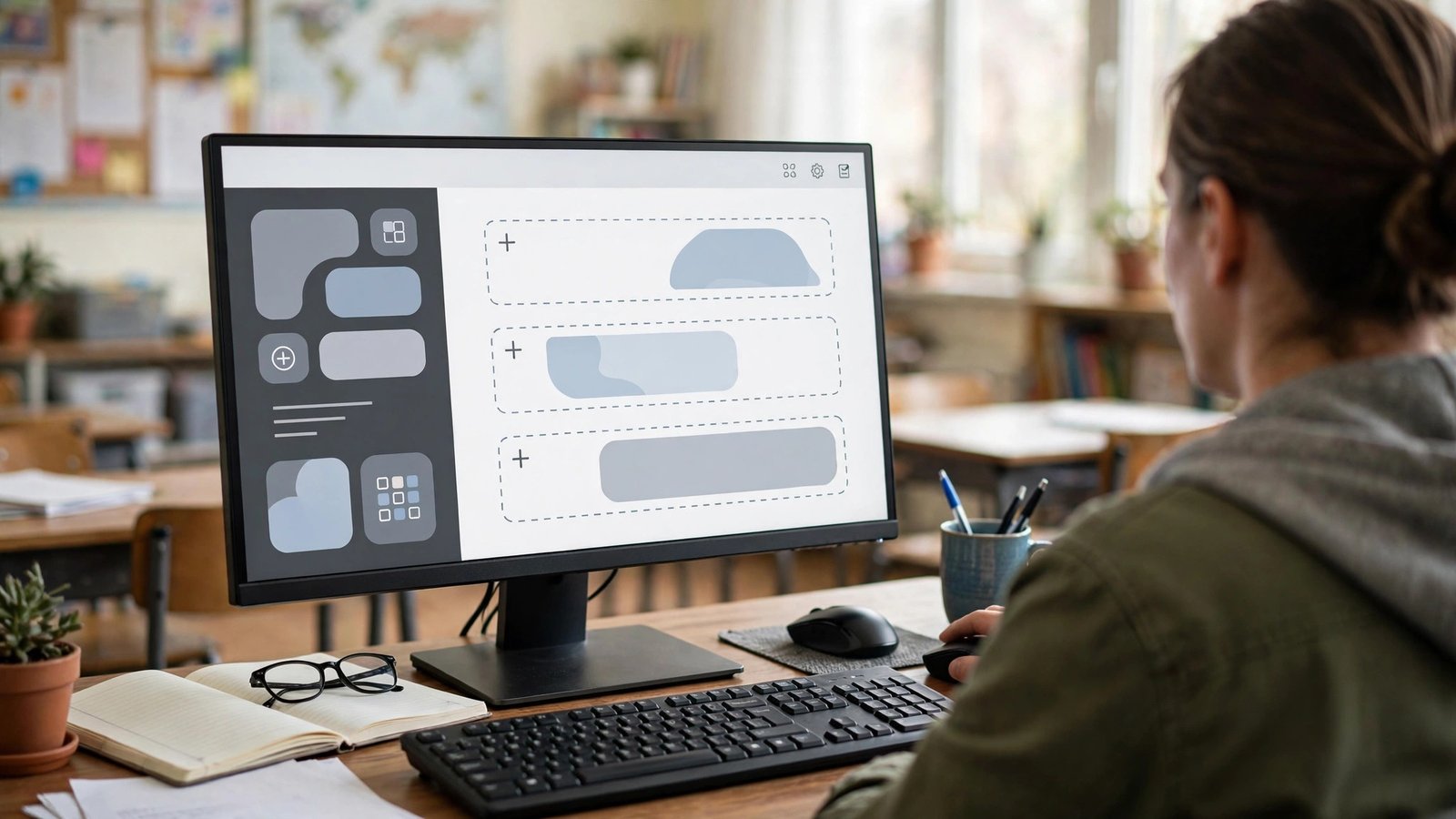
The research-and-policy world calls this whole shelf technology based assessment tools, and sorts it slightly differently — by the kind of evidence the technology makes possible. Selected-response systems digitize the classic quiz. Constructed-response systems collect writing, worked steps, audio, and video, sometimes with assisted scoring. Interactive and simulation items ask students to manipulate a model — graph a function, run a virtual lab, sort a timeline — measuring thinking that paper cannot reach. Adaptive systems adjust item difficulty to each student’s answers in real time, homing in on their level, which is why most state testing programs and screeners use them.
That taxonomy is worth knowing when a vendor pitches you: ask which evidence kinds the tool actually produces, and whether those match the thinking your subject values. A math department needs worked-step evidence; an ELA department needs writing; a world-language department needs audio. Tools demo well against generic feature lists and poorly against your subject’s real evidence — test with your own items before any commitment. Frameworks like ISTE’s educator standards make the same point institutionally: technology earns its place when it deepens learning evidence, not when it digitizes worksheets.
assessment software for teachers
Closely related, assessment software for teachers usually refers to the dedicated applications — installed or cloud — built for the scoring and record-keeping end of the work: gradebooks with standards views, rubric scorers for writing and performance tasks, and scanning/marking software that digitizes paper tests (bubble-sheet scanning apps are the bridge technology in many schools). This is the unglamorous layer, and it matters disproportionately: a teacher who saves twenty minutes of marking a day will run more formative checks than a teacher with the flashiest quiz game.
Evaluate this shelf on three axes: marking throughput (how many responses per hour, honestly, including setup), feedback richness (comment banks, audio comments, rubric reuse), and export sanity (does the data leave the tool in usable form for your gradebook and PLC?). Software that traps your data or your items is a liability dressed as a bargain — a criterion we return to in our guide to what makes a good assessment tool.
class assessment tools
Down at the daily grain size sit class assessment tools — the quick instruments of a single period. Digital members of this family include the poll inside your slide deck, the three-question form you reuse as an exit ticket (our exit ticket Google Forms guide is the full recipe), the interactive lesson’s embedded questions, and the mini-quiz your anchor platform delivers in student-paced mode. What unifies them is cycle time: question to decision in under fifteen minutes, ideally under five.
Class-level tools reward templates. The teacher with a saved three-question ticket form, a saved hinge-question slide, and a saved poll link spends her planning time on content; the teacher rebuilding instruments daily spends it on logistics and eventually stops checking. Build the instruments once, in August, with a colleague if possible — shared templates across a department also make results comparable, which is when class tools start feeding school-level insight instead of staying private habits.

assessment tools used in the classroom
What are the assessment tools used in the classroom on an ordinary Tuesday, in observed practice rather than in catalogs? A realistic secondary classroom runs: an LMS for assignments and announcements; one anchor platform for quizzes and unit tests; slides with embedded questions for the day’s lesson; a form or platform ticket at the close; a game site on Fridays; and the analog ministers — whiteboards and hand signals — woven through everything. Elementary rooms skew toward observation apps, photo evidence of work, and short digital practice checks.
The pattern to notice is role separation. Teachers with sane stacks can name each tool’s single job in one breath; teachers in tool chaos describe five platforms that “kind of all do quizzes.” If your stack has drifted into overlap, the fix is subtraction: pick the winner per job by the report you’ll actually read, retire the rest, and reclaim the login time. Students benefit too — every retired tool is one fewer password standing between them and showing what they know.
assessment tools in classroom
Finally, the practical management layer of running assessment tools in classroom conditions — the part brochures omit. Devices: design every digital check with a paper twin or a paired option, because the day the cart is empty or the wifi sulks is the day you most need evidence. Accounts: roster through your school’s single sign-on wherever possible; teacher-managed class codes beat thirty forgotten passwords. Time: the first run of any tool costs triple the minutes of the fifth; pilot new tools on low-stakes Fridays, never on benchmark day. Accessibility: check text size, read-aloud compatibility, and color contrast before the tool meets the students who need them — retrofitting access mid-lesson helps no one.
Managed this way, the technology recedes into the routine, which is the goal: students should experience “we answer questions and our teacher adapts,” not “we fight with apps.” The evidence habit is the curriculum; the tools are plumbing.
Frequently asked questions
What is the best online assessment tool for daily formative checks?
The one already in your stack whose report you can read in thirty seconds. For most teachers that’s a three-question form, the anchor platform’s quick quiz, or the lesson tool’s embedded questions.
Do online tools work for essay and performance assessment?
Yes, as collection and workflow systems — students submit writing, audio, or video; you score with rubrics and comment features. The judgment stays human; the software handles routing, recording, and returning feedback faster.
How do I handle students without home internet for online homework checks?
Keep high-value checks in class. For homework, choose tools with offline or low-bandwidth modes, extend windows, and never let connectivity decide grades — assign the same check on paper or in a study hall slot instead.
Are online assessment tools secure for state-test-style practice?
Full platforms offer lockdown/kiosk-style delivery modes for secure practice; lightweight websites generally don’t. Match the tool’s security to the stakes of the practice you’re running.
The bottom line
Online assessment tools for teachers are best chosen by job and by report: a platform for systematic evidence, websites for energy and experiments, quick class tools for the daily loop, and software that gives you marking time back. Keep the stack small, the templates ready, and the paper backup in the drawer — then let the data, not the dashboards, steer your teaching every single week of the school year.
Choose slowly, onboard carefully, and prune annually — the teachers whose digital stacks serve them for years are not the ones with the most tools, but the ones whose few tools are mastered, integrated, and honestly evaluated.